AvelaTV — #1 Rated US & Global Provider
Tested & verified for 2026: Stream +20,000 live US & international channels, 4K live sports (NFL Sunday Ticket, NBA Pass, UFC PPV), and 100,000+ VOD movies with Anti-Freeze 9.0 zero-buffering technology.
- US Local Channels (ABC, CBS, FOX)
- Live 4K Sports (NFL, NBA, UFC, EPL)
- Anti-Freeze 9.0 (99.9% Uptime)
- 5-Min Firestick & Smart TV Setup
⚡ Less than $5.83/mo (Save over $1,600 vs US Cable)
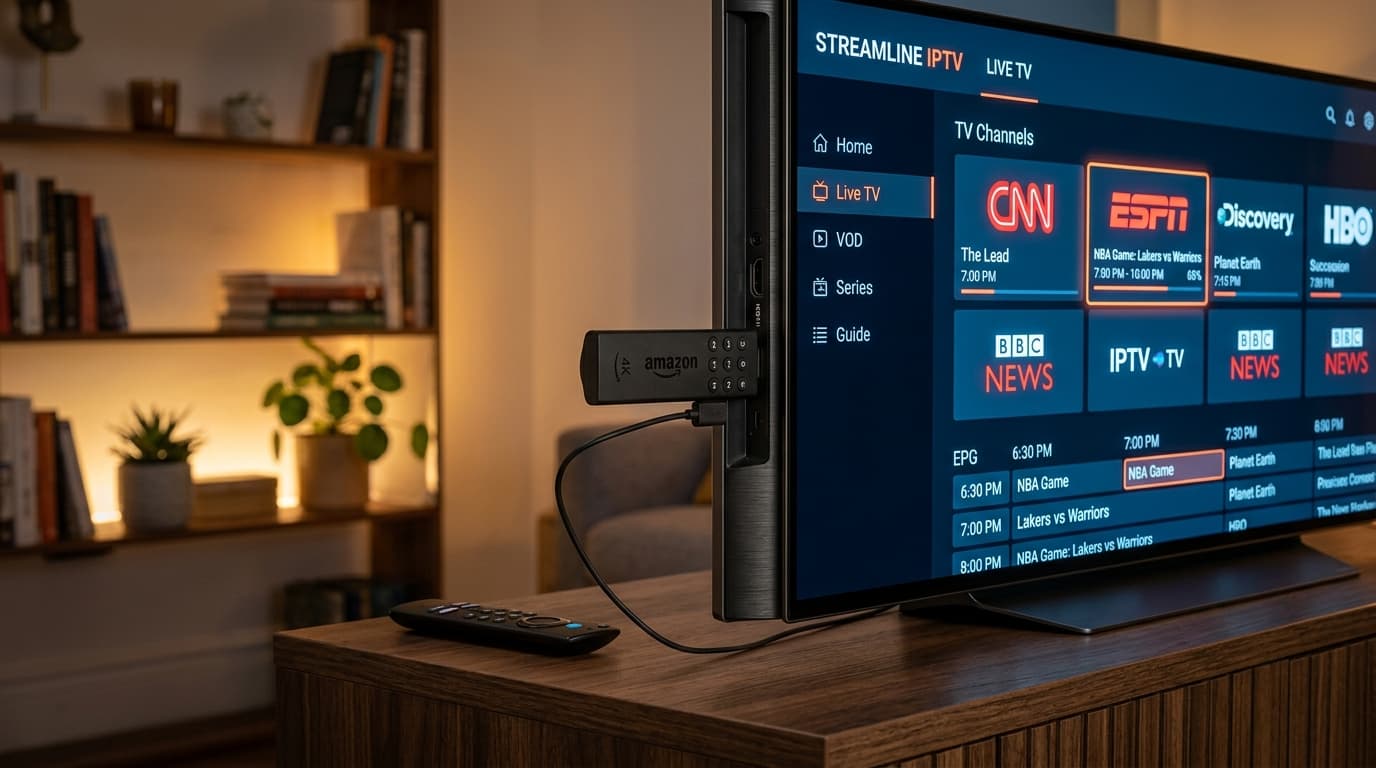
Get 60% Off Offer Now🎁Claim 24-Hour Free TrialThe Amazon Firestick is by far the most popular streaming device in the United States for IPTV due to its powerful 4K hardware, portable HDMI form factor, and open Android-based operating system. Setting up your AvelaTV subscription on Firestick takes less than five minutes.
Step 1: Install the 'Downloader' app from the Amazon Appstore. Go to Firestick Settings > My Fire TV > Developer Options, and enable 'Install Unknown Apps' for Downloader.
Step 2: Launch Downloader and enter the quick-download code or URL for your preferred IPTV player, such as TiviMate Premium, IPTV Smarters Pro, or IBO Player.
Step 3: Open the installed player and select 'Login with Xtream Codes API' or 'Load M3U Playlist'. Enter your Server URL, Username, and Password provided in your AvelaTV welcome confirmation.
Step 4: Once loaded, your channel categories (US Entertainment, US Sports, Movies, Series) and full 7-day Electronic Program Guide (EPG) will automatically sync for seamless channel surfing.
Ready to Cut the Cord? Stream in 4K for Just $5.83/Month
Get 12 Months VIP Access for $69.99 (Save 60%) + Free Lifetime IBO Player ($15 Value). Instant 5-minute setup via WhatsApp.
Select Your AvelaTV Plan
Instant WhatsApp delivery, 20,000+ live channels, 4K sports, Anti-Freeze 9.0, and 24/7 concierge included.
3 Months
SAVE 22%3 Months Plan
Quarterly access to live TV, sports & movies.
- 20,000+ live channels
- Unlimited movies & shows
- 4K / UHD / FHD streaming
- EPG (TV guide) included
- All devices (Smart TV, Firestick, iOS, Android, MAG, Kodi)
- 24/7 support
12 Months + IBO Player
12 Months VIP Access
Best value VIP package with Free IBO Player.
- 20,000+ live channels
- Unlimited movies & shows
- 4K / UHD / FHD streaming
- Free IBO Player Lifetime included ($15 Value)
- EPG (TV guide) included
- All devices (Smart TV, Firestick, iOS, Android, MAG, Kodi)
- 24/7 VIP priority support
6 Months
SAVE 50%6 Months Plan
Semi-annual access to live TV, sports & movies.
- 20,000+ live channels
- Unlimited movies & shows
- 4K / UHD / FHD streaming
- EPG (TV guide) included
- All devices (Smart TV, Firestick, iOS, Android, MAG, Kodi)
- 24/7 support
Want to test all 20,000+ channels on your device first?
Get an instant 24-Hour Free Trial with zero commitment.